Receive Files from Clients with Ease and Security
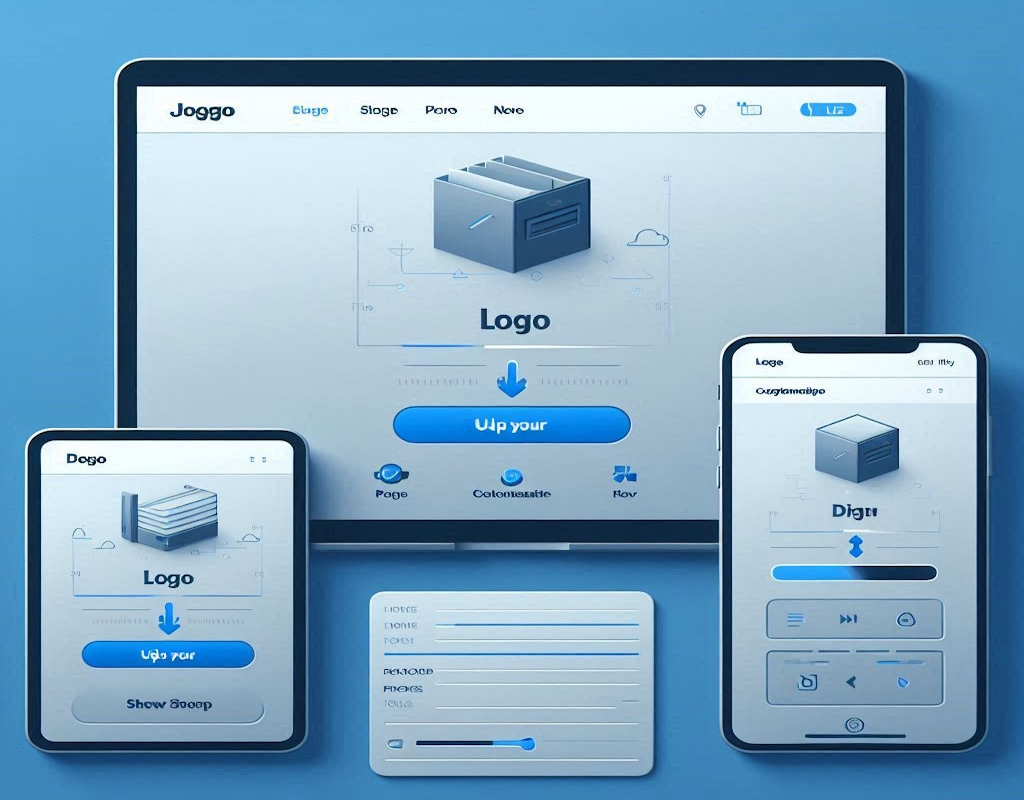
FileInbox is a secure SaaS service that allows businesses to request files from clients via unique upload links, automatically transferring uploaded files to your preferred storage provider.

FileInbox is a secure SaaS service that allows businesses to request files from clients via unique upload links, automatically transferring uploaded files to your preferred storage provider.
The easiest way to receive files from your clients with security in mind
End-to-end encryption ensures your clients' files remain private and secure throughout the upload process.
Connect with Dropbox, Google Drive, OneDrive, or use our storage to keep all your client files organized.
Create unique upload links for different clients or projects to keep everything organized.
Simple, intuitive interface makes it easy for clients to upload files without any technical expertise.
Everything you need to streamline your file collection process
Connect with popular cloud storage providers or use our built-in storage. Your files, your choice.

Create branded upload experiences that match your business identity.
Built with security in mind to protect your clients' sensitive information.

Start for free, upgrade as you grow
Perfect for individuals
For businesses and professionals
For large organizations with advanced needs
Find answers to common questions about FileInbox
FileInbox allows you to create unique upload links for your clients. When you share these links, clients can upload files directly to your connected storage provider (Dropbox, Google Drive, OneDrive, or our local storage). The files are automatically organized according to your preferences.
Yes! Security is our top priority. FileInbox uses end-to-end encryption, secure authentication with HTTPOnly cookies, and credential encryption in the database. Professional and Enterprise plans offer additional security features like client authentication before upload.
Absolutely! You can customize the upload page with your own branding, instructions, and required fields. This creates a seamless experience for your clients and reinforces your professional image.
Free and Professional plans support Dropbox, Google Drive, and OneDrive. Enterprise plans add support for AWS S3, Google Cloud Storage, and Azure Blob Storage. You can also use our built-in storage solution.
If you're using our local storage and approach your limit, you'll receive notifications. Files will still be accepted if you have connected a third-party storage provider. Professional plans include a storage fallback feature that ensures your uploads are never lost.
Yes! You can start with the Free plan and upgrade to Professional or Enterprise at any time from within your dashboard. Your existing data and settings will carry over automatically.
Have questions? We're here to help
support@fileinbox.io
+1 (929) 999-5638
Trusted by businesses of all sizes
"FileInbox has completely transformed how we collect client documents. No more email attachments or confusing FTP instructions. Our clients love how easy it is to use."

Tax Consultant, Johnson Advisory
"As a design agency, we receive large files from clients daily. FileInbox has streamlined our workflow by automatically organizing files into our Dropbox folders by project."

Creative Director, PixelPerfect Design
"The security features in FileInbox give us confidence when handling sensitive client information. The client authentication option in the Professional plan is worth every penny."

Attorney, Lopez Legal Group